Still unsolved? I just built and migrated to a new machine (because of missing IPFire WIFI appliance ) and still have that issue…
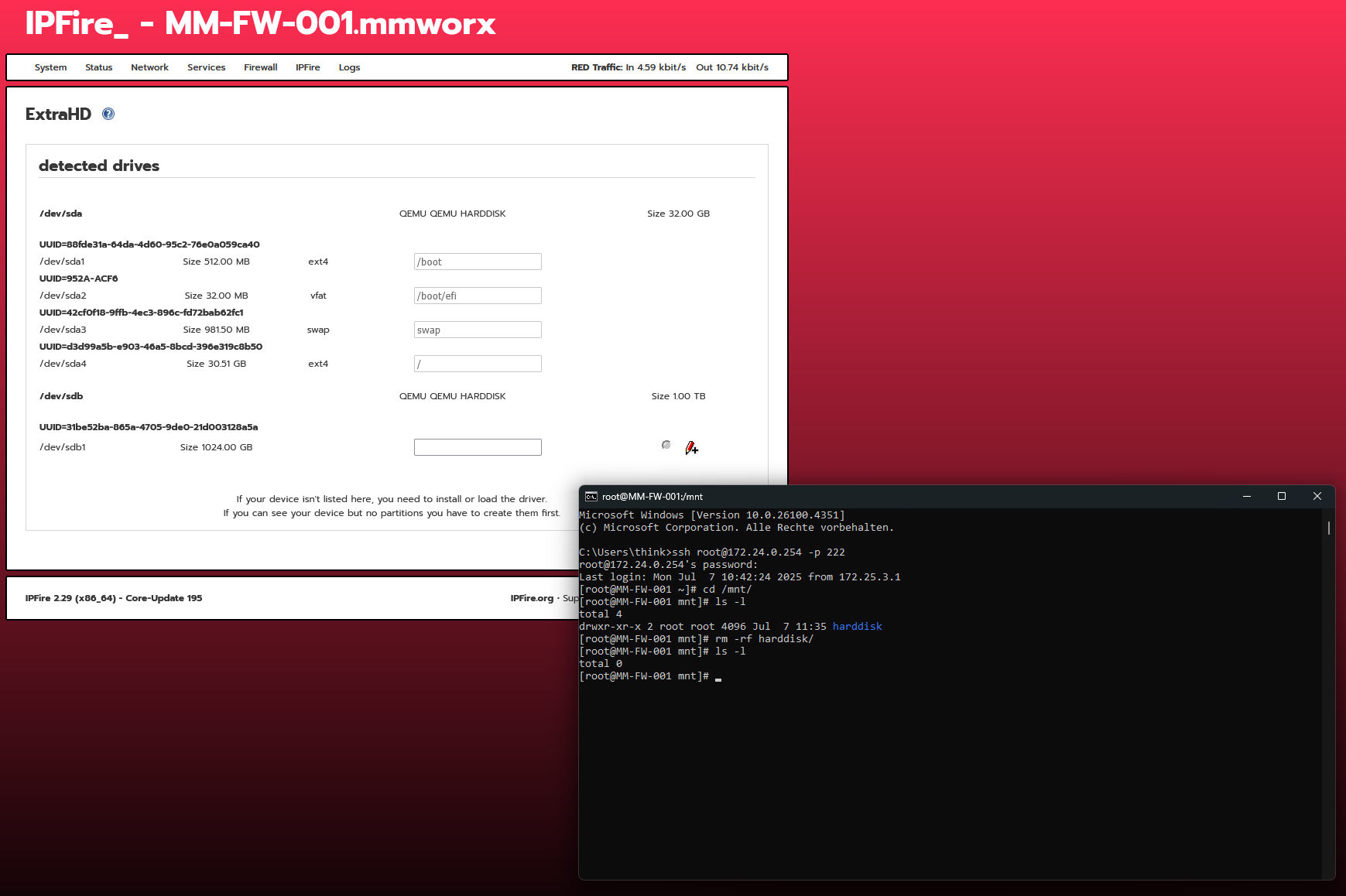
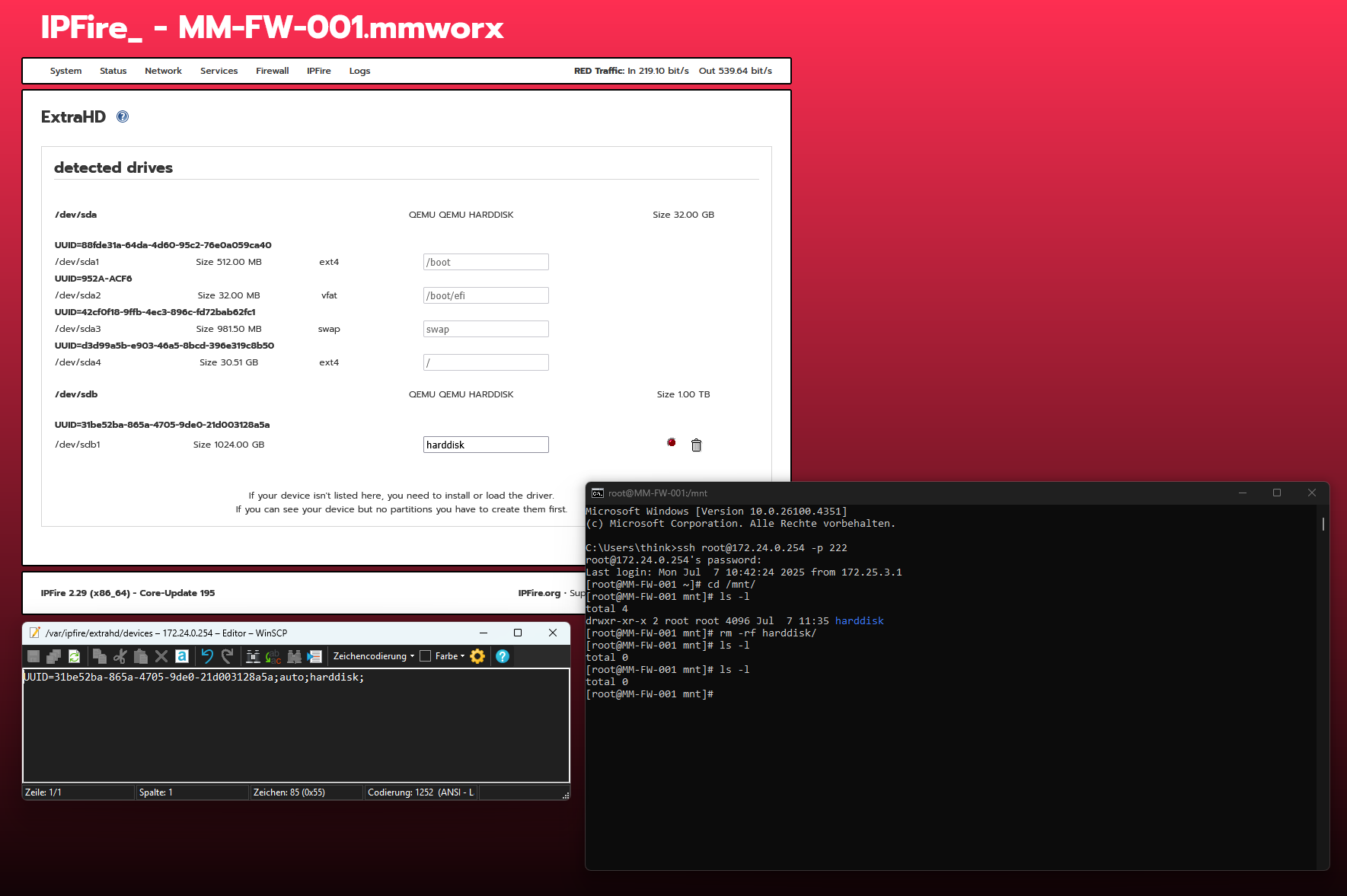
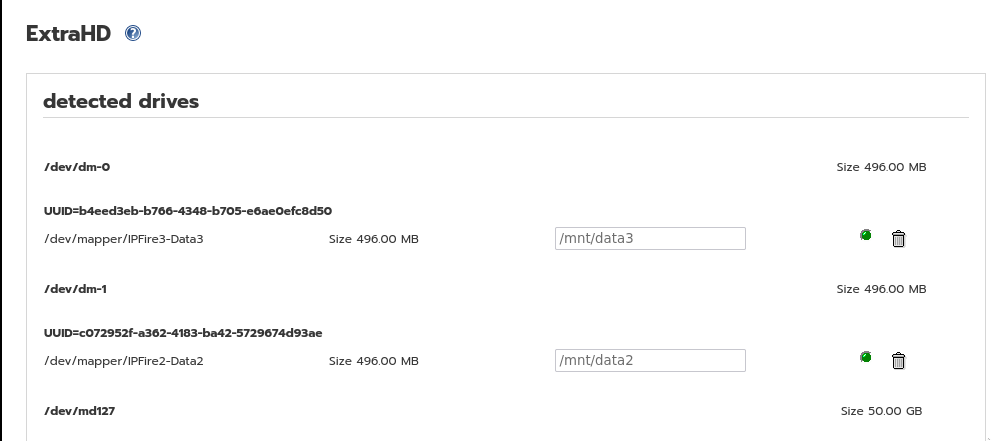
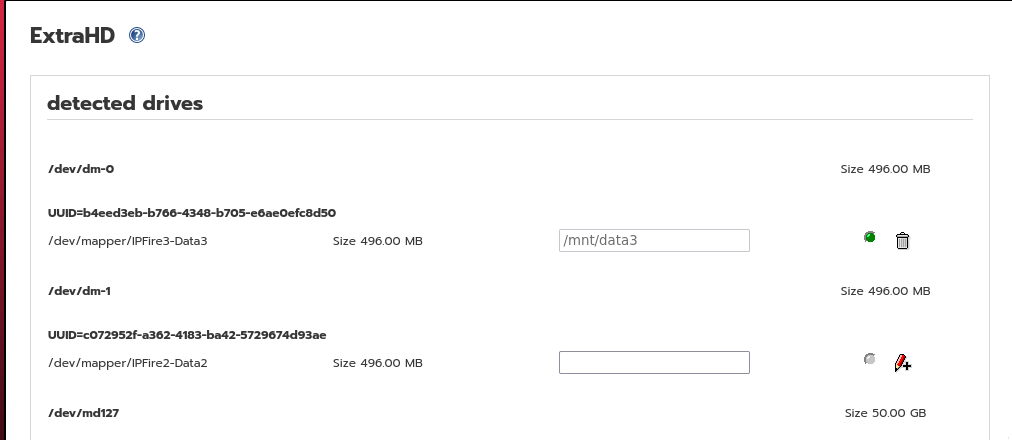
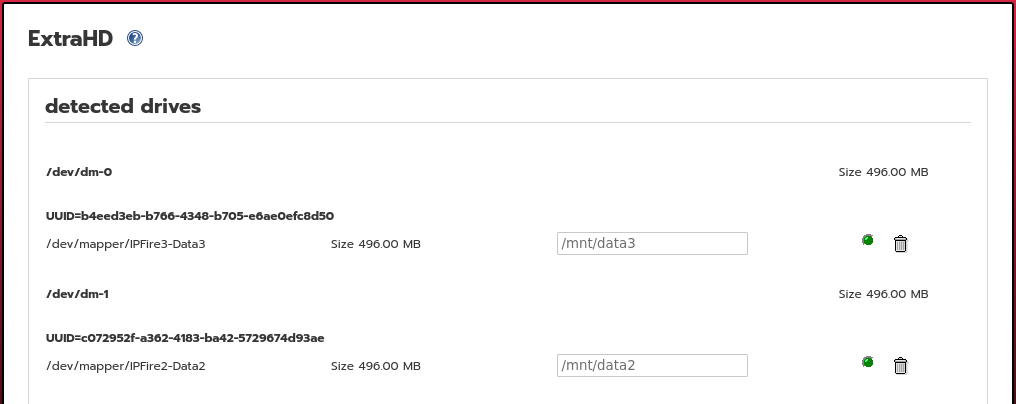
Also if you format a partiton that was set to be a mountpoint, the entry is still in the config file and you can’t use the name for the mountpoint anymore. Dead entries aren’t listet in the wui.
I have checked in the repo and the last change was in August 2023 where a table was adjusted to use the full width.
The one before that was October 2023 with adding support for LVM and MDADM devices.
Looking in bugzilla, the bug report is still open.
You could add your info in, together with all details for how to reproduce what you are finding now or if the fail mode is different then close that old bug report and start a new one. Better that having two bugs with different root causes in the same bug report. Everything then gets very confused.
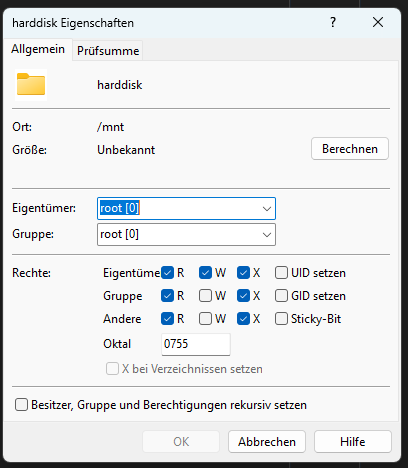
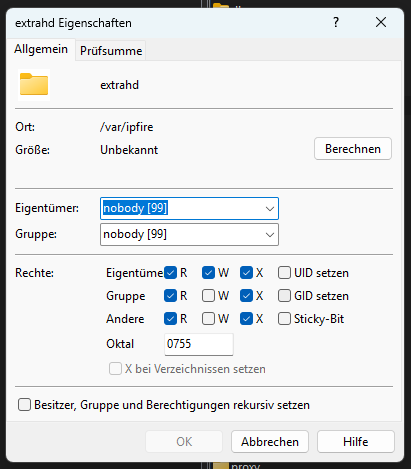
You should not need to create anything manually and if done so then you have to make sure that ownerships and permissions are all as expected or it will break things.
It will try and put it wherever you define it to be placed.
It was not defined to specifically be in /mnt/ although that is probably what most users will use but it can also be placed in other locations as required. I know some users use /media/
What error message should it give. How should it know where you want to place the extra hard disks?
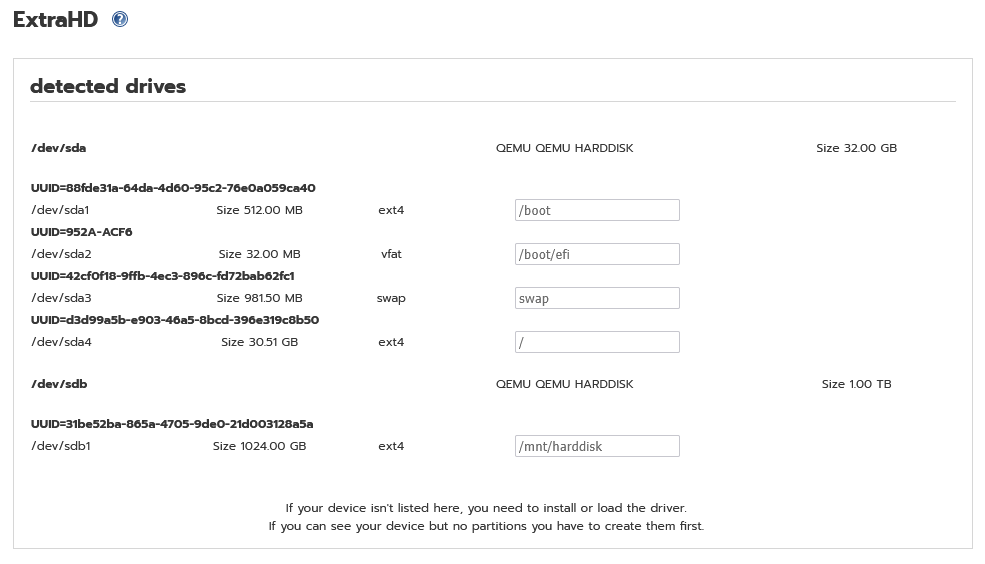
If I define /harddisk it will create in the root direcotry a subdirectory harddisk.
Whithout that / it’s not working because the target is invalid.
That’s why the function needs to check the addressed target.
I thought the target directory is always /mnt and therefore I just addressed a subfolder name, but that thought is wrong (and I had it at least 4 times now )
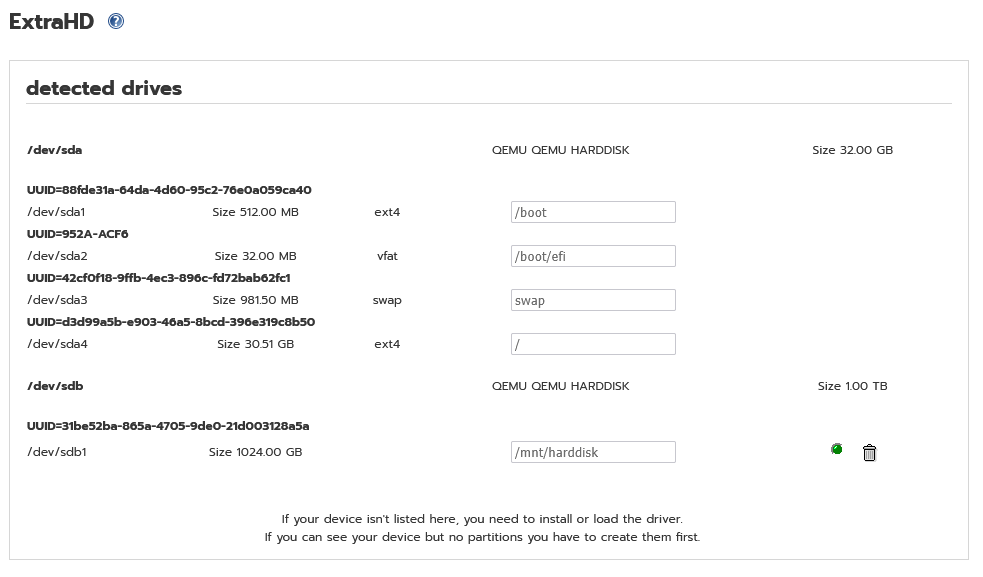
I was saying that I had no problems. My mount point was removed correctly and the hard disk was shown as available but not mounted, which is what it is supposed to be.
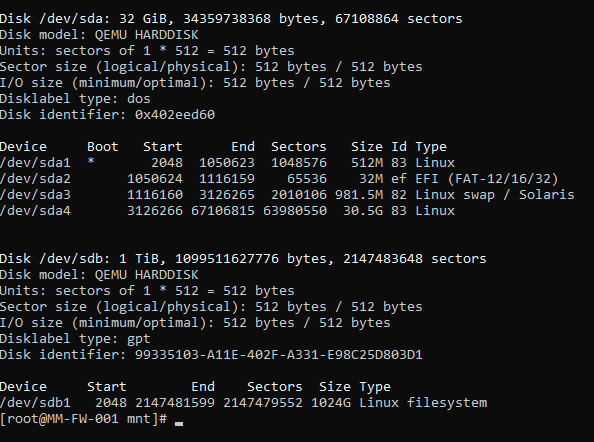
But only because your mountpoint is/was right. As you can see, you can create wrong/not working mountpoints by addressing a wrong target. There is no check for the target and it creates an entry in the config file. That wrong entry can’t be removed anymore (only via console).
 ) and still have that issue…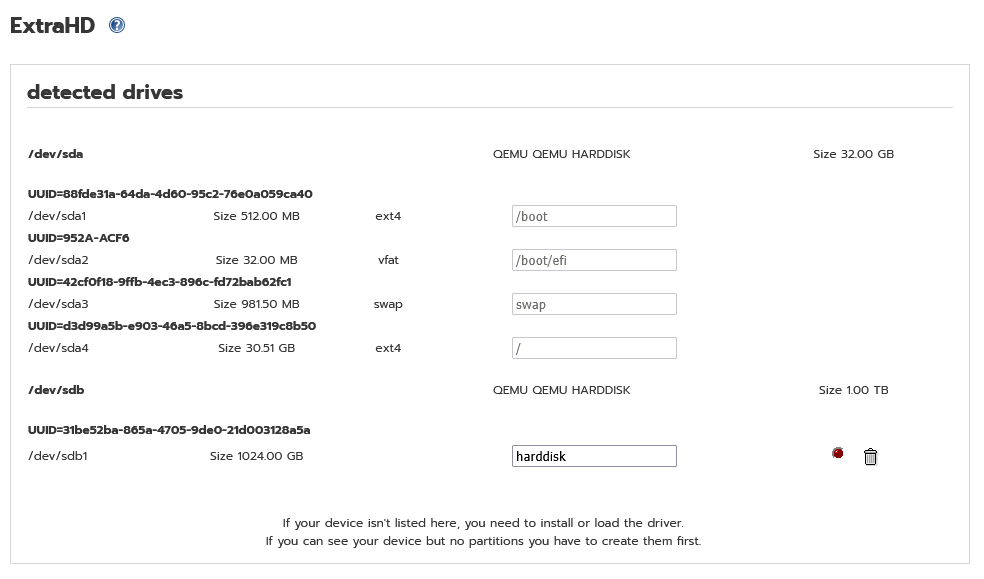


 )
)