Bernhard,
I am not sure what your talking about here in this thread. LOL…
I am not the one with the Web Proxy issue, but rather Kenneth whom I am trying to advise. The Web Proxy actually works in my install, although it was a bear to set up initially.
Kenneth, you could pick any port, in theory that isn’t a standard used port, and its OK. 444 is the port Used to Connect to Squid Cache Manager Web GUI and 801 is the port of connection into the actual Cache server.
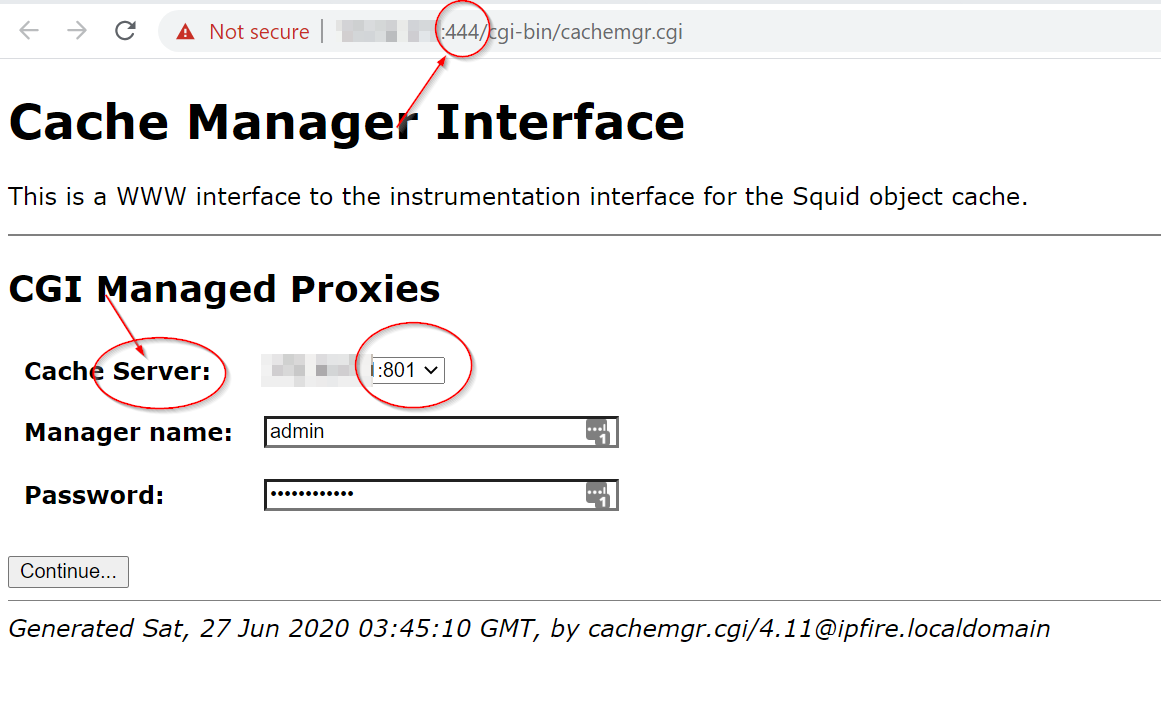
This means you could technically have several “Cache Servers” running on different ports, or even the same port on different IP addresses, depending on the amount of HTTP Traffic flowing through your network. 1 : ~ relationship
Notice the down arrow to the right of the IP:801 in my screenshot. It is a selection box so you can manage whatever and whichever “Cache Server” your data is on.
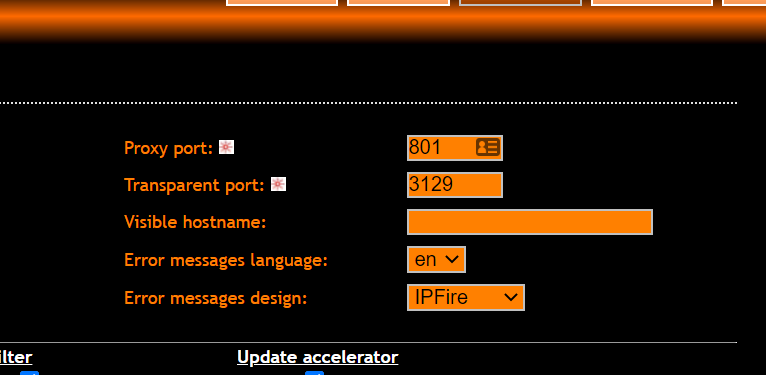
Another side note, not only does a person manage the cache from port 801, but 801 and 3129, are the 2 ports used to pass traffic through the Proxy. 1 is the inbound, the other, the outbound… Look back in my squid config for the word intercept.
Lets just say that I work on a lot of stuff in my field and might have a tid-bit of experience with this sorta thing. In application to Squid, ehhh, its ok, but its a basic concept with inbound and outbound caching of bits and pieces of traffic over HTTP. Its a heck of a bandwidth saver if you can get it up and running.
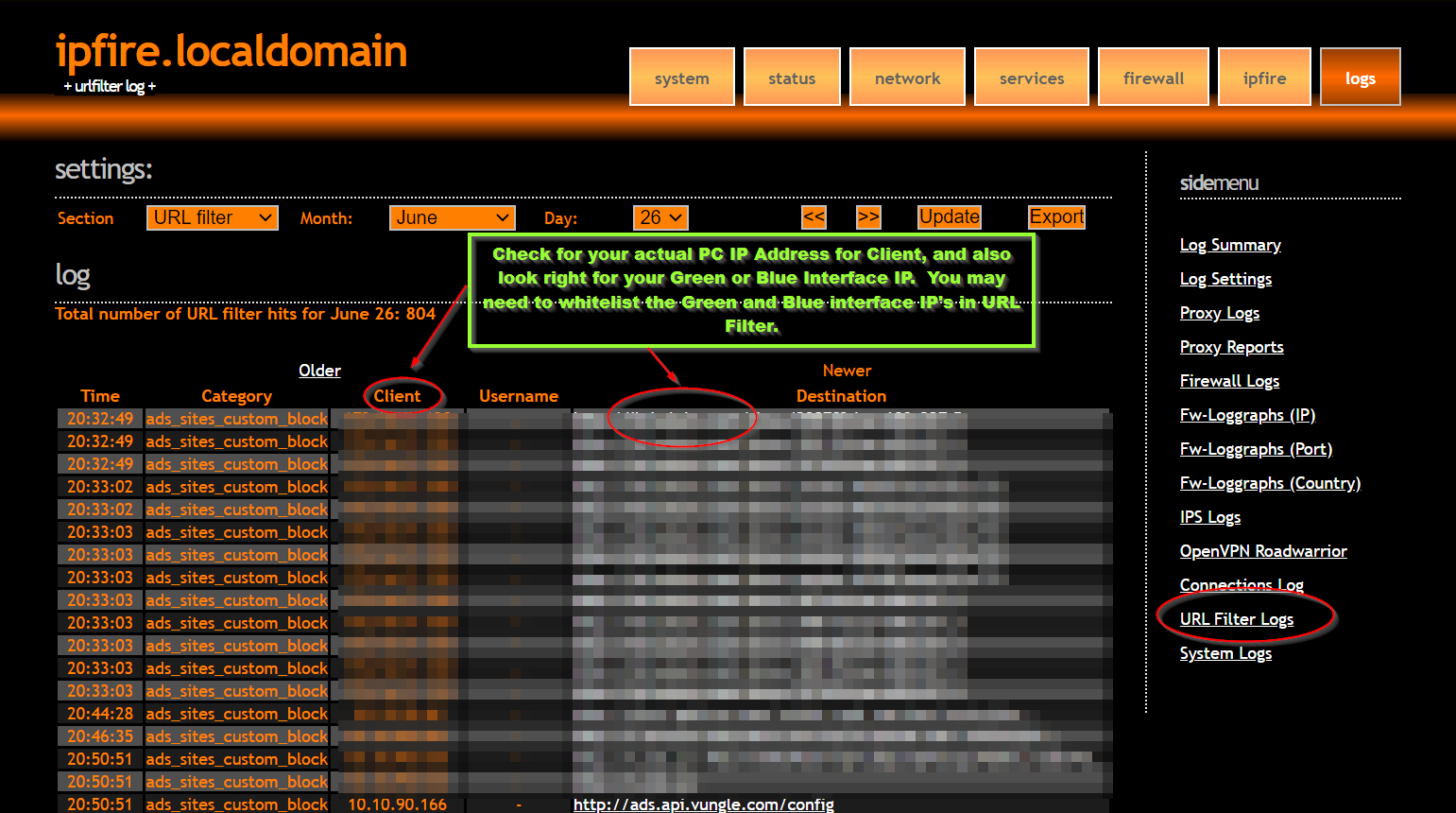
Another note… make sure this is turned on. Nothing worse than not being notified in logs if something gets blocked.

Both of these ports are configurable from the prospective of the GUI, down in the picture below.
Eric