Tonight, I made a quick test.
I found my E3372h modem converted to hilink.
I put a sim card in the E3372h modem, then I connected it to the test IPFire.
Next, I ran the setup on IPFire.
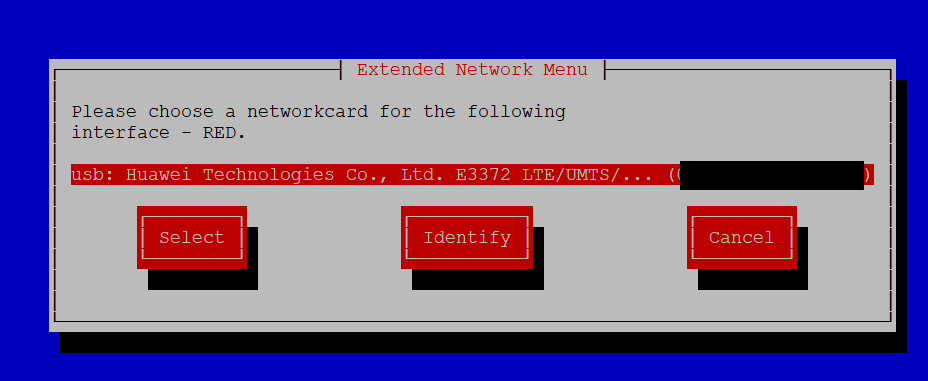
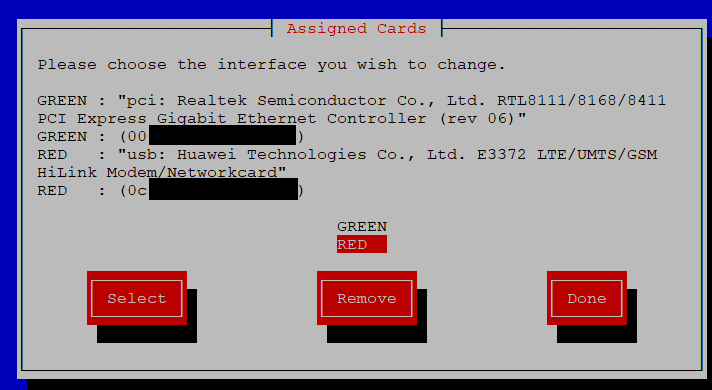
Go to “Networking” → “Drivers and card assignments”
and I assigned the Huawei modem to RED interface
Then go to “Address settings” → “RED”
and set DHCP
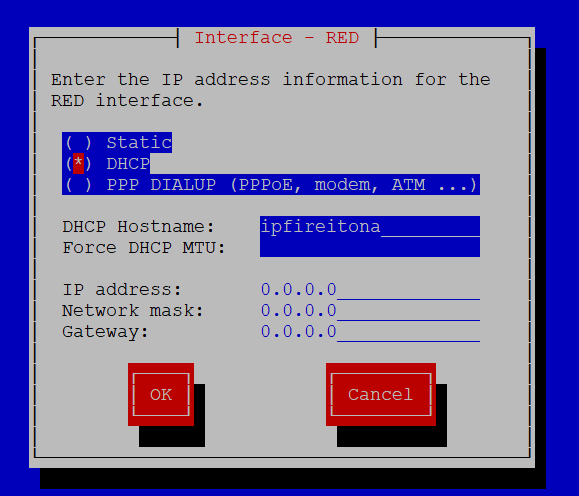
I approved the changes and rebooted IPFire.
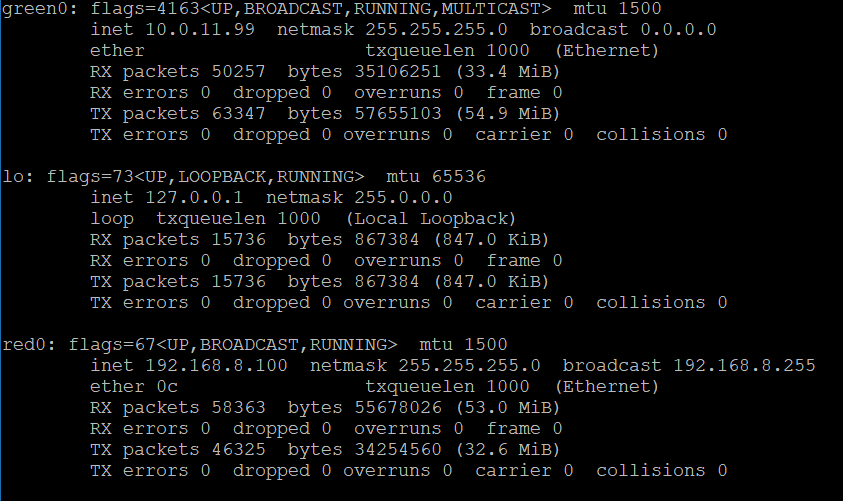
After the reboot, I have checked that IPFire has acquired an IP address on the RED interface
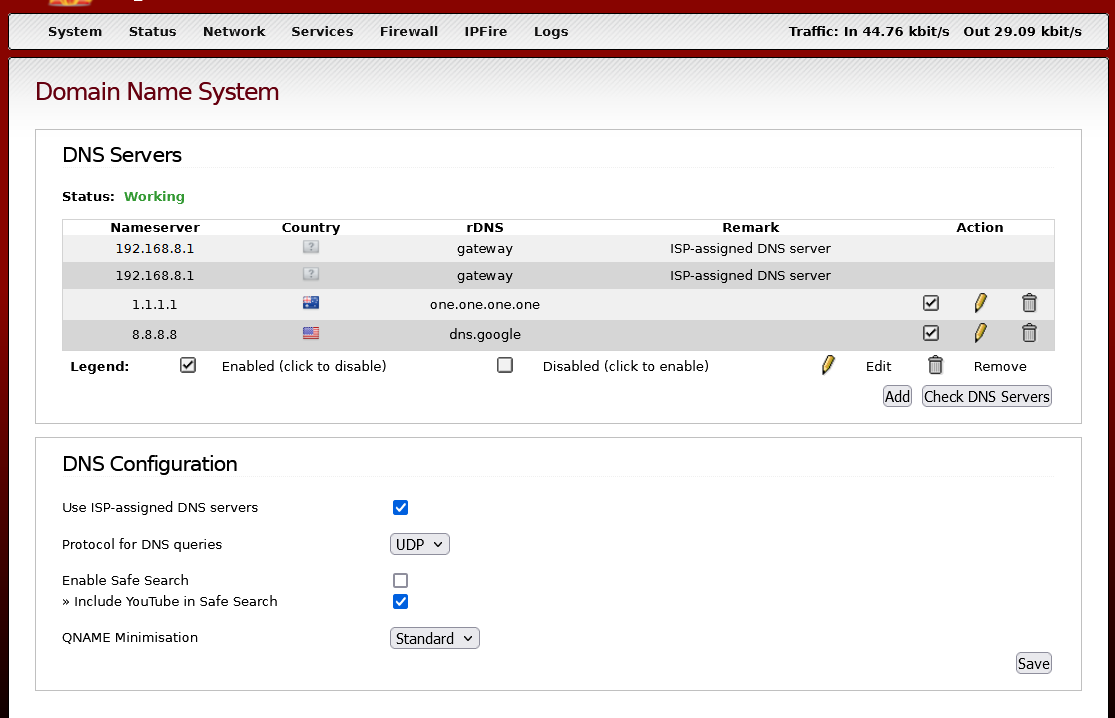
From the computer in GREEN network, I connected to IPFire WUI .
Then I added the DNS 1.1.1.1 and 8.8.8.8
Next, I launched the modem’s configuration page and entered the APN and other data.
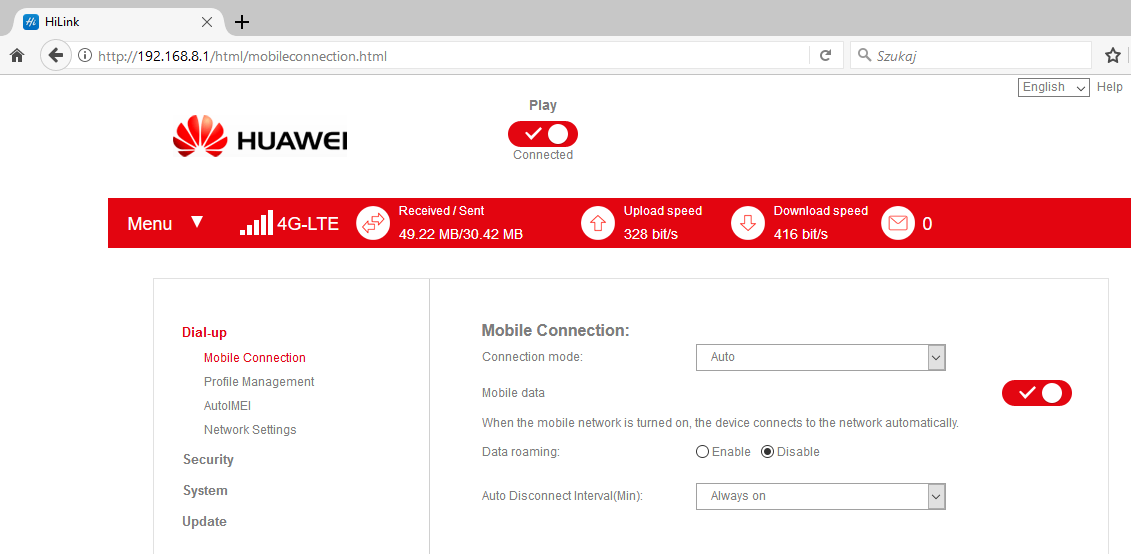
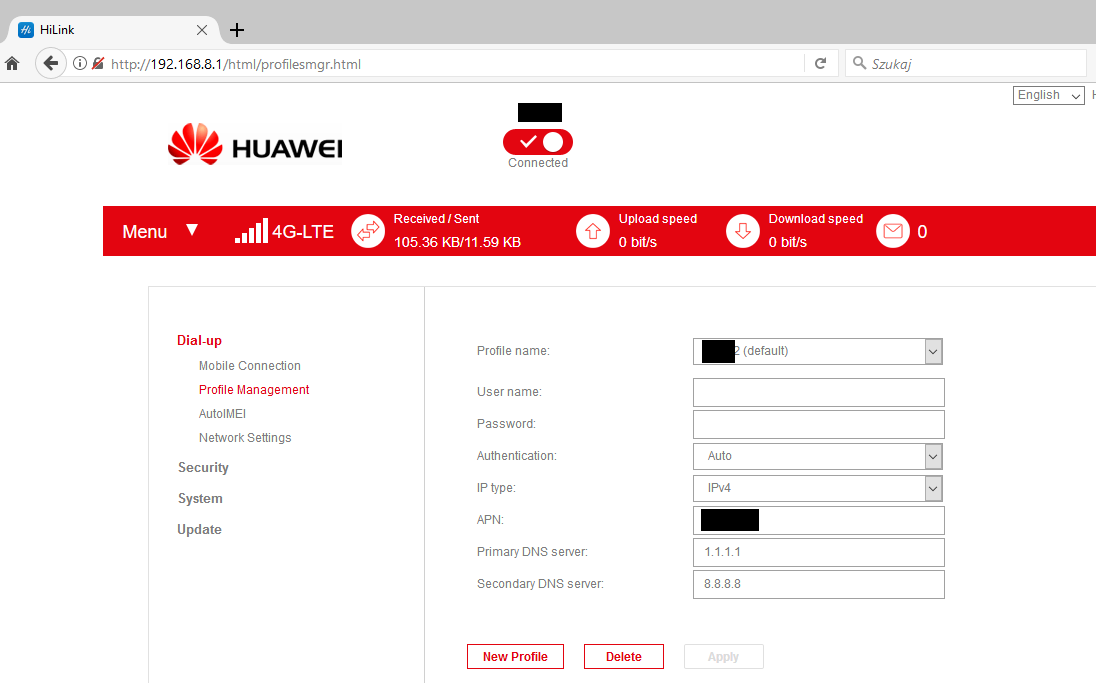
After saving the settings, I rebooted IPFire.
Looks like it’s working. 
It is important to remember that we have double NAT.
If someone doesn’t mind dual NAT, let them test this solution.
Edit
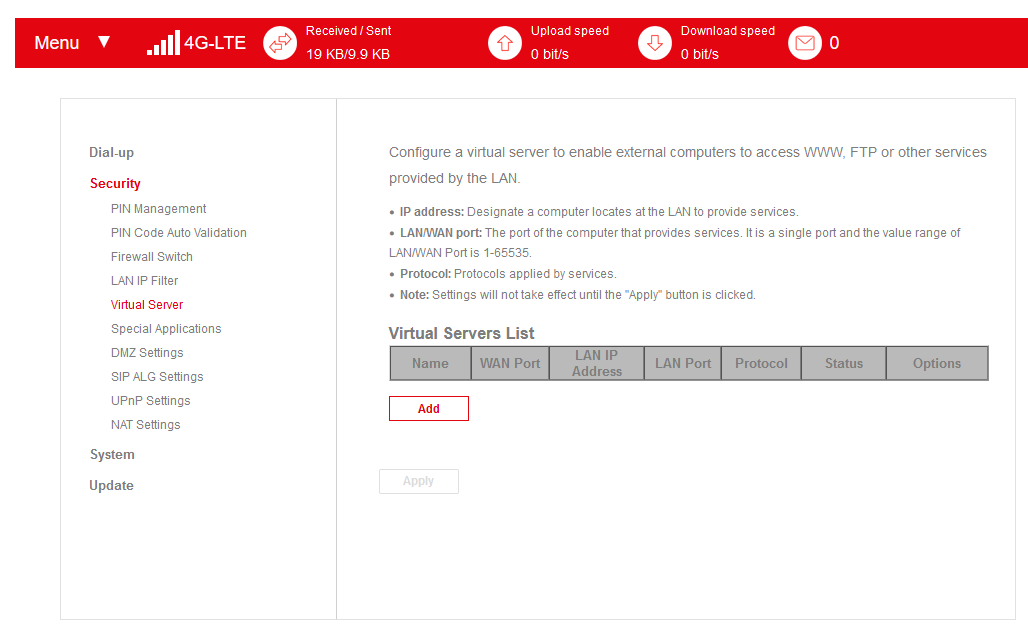
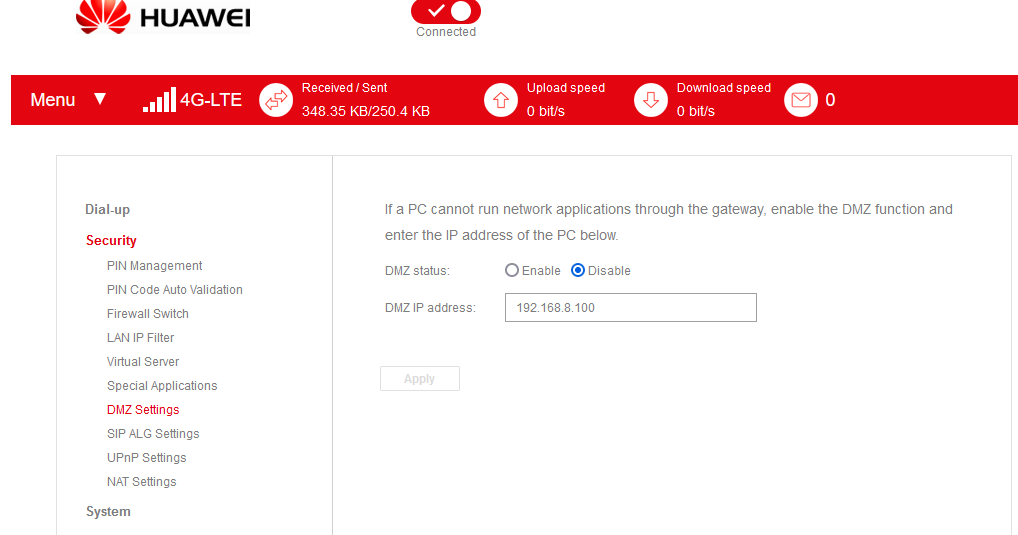
Some hilink firmwares, allow for additional settings.
e.g. DMZ, Virtual Server